The Skin Stapler Tools Hub
Player checklists for achievements and chapter progress.
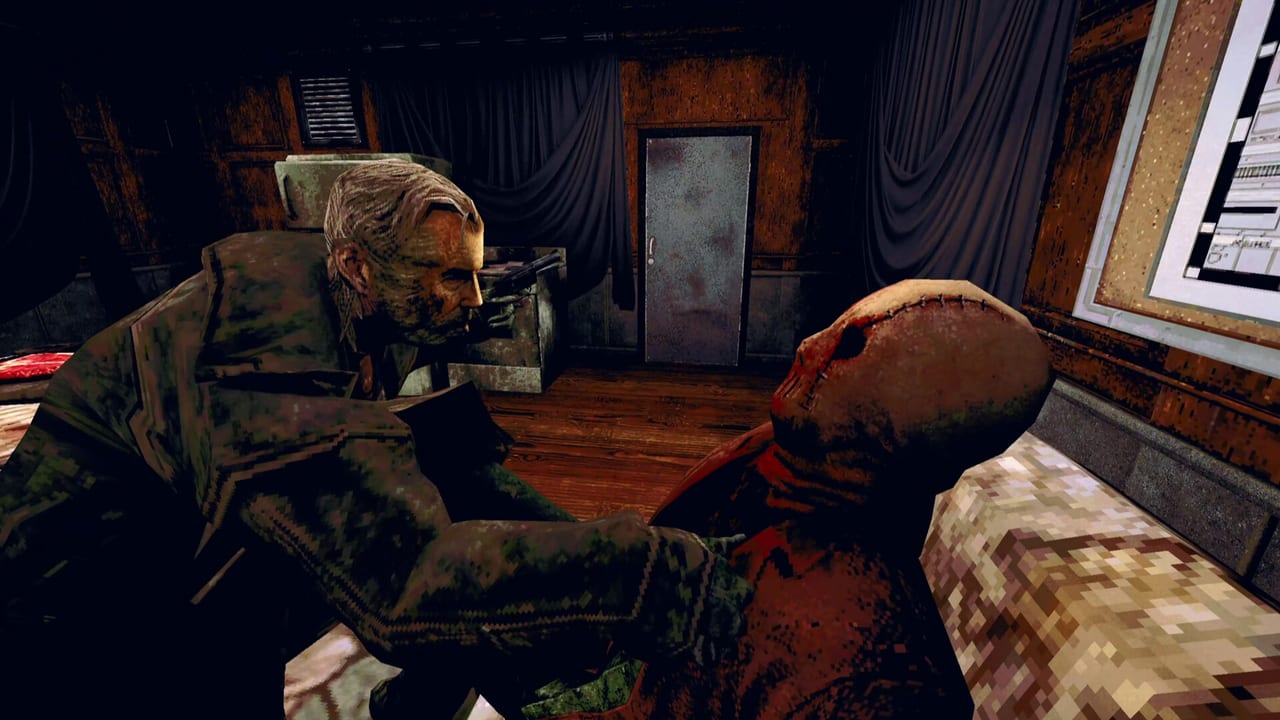
Tools on this wiki are practical checklists you can use beside the game—no calculators, no fake stat tables, just structured boxes to mark as you play The Skin Stapler on Steam (App ID 4310610). Tainted Pact’s single-player horror ships sixteen achievements and a chapter flow that jumps between Dick Slater’s investigation, Hexy’s Quick Fix shifts, Blair’s Gutters End nights, and full-release interiors such as Underworld VHS. These tools help completionists avoid missable steps without replacing walkthrough spoilers elsewhere on the site.
Available checklists
- Achievement checklist — Track all sixteen Steam achievements with space for notes about missables, chapter gates, and collectible ties to audio tapes or evidence.
- Chapter checklist — Mark demo sections (CCPD, Quick Fix, Gutters End) versus full-release progression—including when Underworld VHS unlocks—so you know when to backtrack before story locks.
Underworld VHS and Scaroline Tape Collector workflow
Launch-week players search for the rental shop after the demo cliffhanger. The Steam achievement branding Scaroline - The Tape Collector (see Scaroline) rewards thorough optional tape hunting, not a separate DLC mode. Use tools this way:
Before entering Underworld VHS: confirm on the chapter checklist that CCPD and at least one worker chapter are marked complete if the store still will not open—routing lives on Underworld VHS walkthrough.
Inside the store: keep the achievement checklist open on a second monitor or phone. Tick a row each time you listen through a warped tape to completion, not merely pick it up. Pair with audio tapes when you forget which aisle you skipped.
After Tape Collector pops: note the timestamp in your checklist margin, then sweep CCPD and worker back rooms for stragglers before finale pressure—many missables are timing mistakes, not hidden codes.
Dual-monitor checklist tips
The Skin Stapler is short enough that a wiki + game setup beats alt-tabbing every thirty seconds:
- Primary display: game at native res with subtitles on—see settings tips.
- Secondary display: chapter checklist during story; swap to achievement checklist when hunting tapes.
- Pinned tabs: Underworld VHS walkthrough during the store; controller tips if Steam Input glyphs lie.
- Pen-and-paper fallback: copy checklist tables into notes if you only have one screen—markdown rows are designed for tick marks.
Avoid keeping endings explained visible during a blind run; tools name chapter categories, not finale twists.
How to use tools with other hubs
Configure controls first so checking boxes is not interrupted by binding surprises. Read Collectibles Hub when an achievement hint mentions tapes or tags. Pair chapter order with Locations Hub when you forget which workplace comes next after a break—especially Underworld VHS location versus demo-only maps.
Spoiler discipline
Checklists name achievement categories and chapter beats at a high level. They do not replace ending explainers on walkthrough pages. Stop marking if you prefer blind horror—return after credits.
Updates and platform notes
Achievement names or triggers may change if patches alter collectible placement—sync with Updates Hub and week-one notes after downloads. English-only VO means checklist notes you write stay language-agnostic.
Related pages
- Review Hub — purchase and specs context.
- Characters Hub — who appears in each chapter tranche, including Scaroline.
- Achievements Guide — thematic achievement groups.
Suggested workflow for a completion run
Night one: story only with chapter checklist rows through demo-familiar chapters, then Underworld VHS when unlocked. Night two: backtrack for achievement checklist plus audio tapes and evidence. If you use Steam Input, jot remaps beside checklist boxes after verifying interact in keyboard controls. Compare demo App 4343530 progress before assuming full-game App 4310610 saves align. Streamers can keep a second column for broadcast-safe routes versus blind first clears.
Tools versus spreadsheets
Some players export checklist rows to Google Sheets for co-stream co-piloting. This wiki keeps lists inside articles so Steam AppID 4310610 players without account signups can still track progress on a phone beside the PC. When exporting, link back to Underworld VHS walkthrough so co-pilots know when Tape Collector hunting is story-safe versus finale-adjacent.
Speedrun and 100% communities
External Discord splits may rename chapters differently than demo pillars. Map community terminology back to CCPD, Quick Fix, Gutters End, and Underworld VHS when comparing notes—Locations Hub is the shared vocabulary. Speedruns may skip optional tapes; checklist users should not assume routing parity.
Week-one launch habits
Post-launch threads emphasize achievement missables and tape placement. Mark checklist rows during the chapter, not from memory after credits. If a Steam pop fails, reload the last checkpoint noted on your sheet before blaming API lag—see week-one notes for honest patch tracking (no invented version numbers).
Scaroline branding versus mechanics
Marketing associates Scaroline with tape culture; mechanics remain inspect-every-shelf adventure horror. Tools do not track fictional Scaroline quest lines—only verifiable chapter and achievement categories. When in doubt, read Scaroline for collab context, then return to checklists for ticks.
Frequently Asked Questions
Quick answers for Carrion City survivors.
Can I print these checklists?
Yes. Copy sections into notes or print the page—markdown tables are designed for pen-and-paper tick marks.
Do tools auto-sync with Steam?
No. This is a fan wiki—manually mark achievements when Steam pops them or when guides confirm triggers.
Which tool should new players use first?
Start with chapter checklist during story; add achievement checklist when hunting 100%.
How do checklists help with Underworld VHS?
Mark chapter unlock on chapter checklist, then tick tapes on achievement checklist while following Underworld VHS walkthrough.
Where are walkthrough steps?
Walkthrough pages hold spoiler steps—tools only track progress categories.