The Skin Stapler Controls Hub
Keyboard-first horror controls without invented button maps.
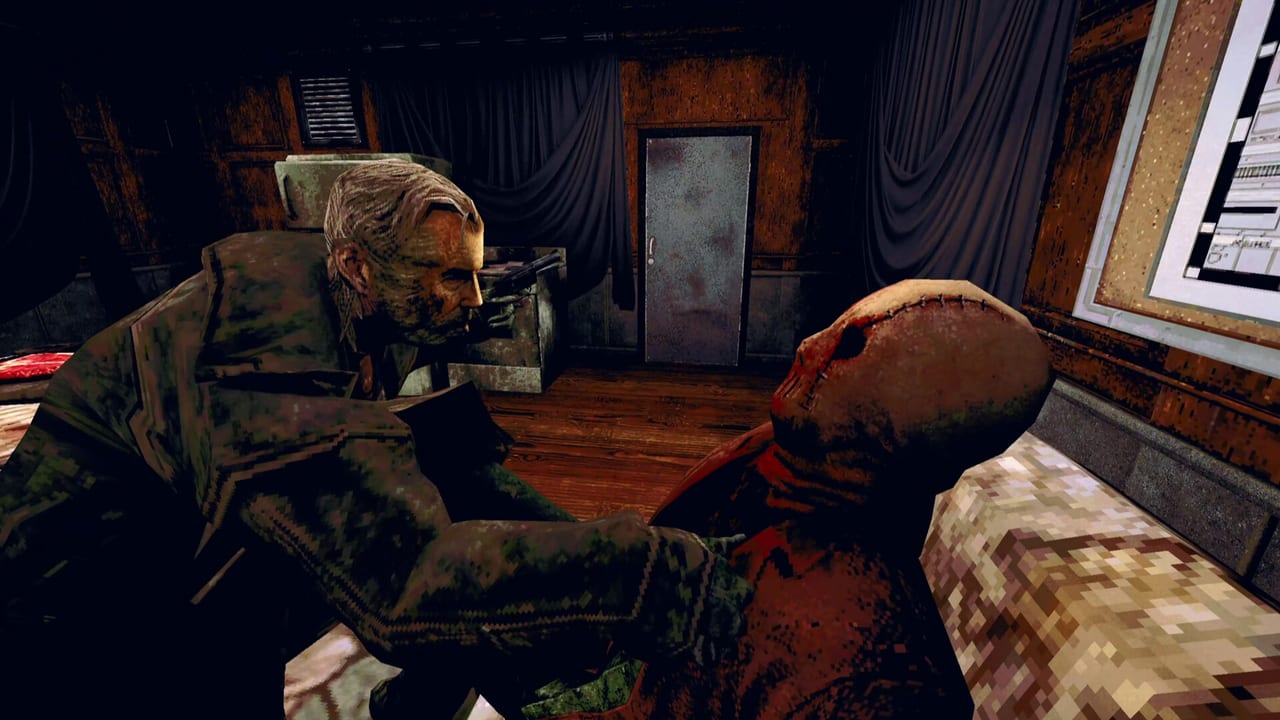
Why controls matter in a VHS horror shift
The Skin Stapler is a single-player PSX-style grindhouse horror game set in Carrion City. Tension lives in narrow hallways, flickering monitors, and sudden chase beats. When you cannot pause cleanly or mis-click an interact prompt, the mood breaks faster than any jump scare. This hub collects practical control guidance for the Steam release (AppID 4310610, August 6, 2026 from Tainted Pact and Assemble Entertainment) without publishing a fabricated full button map. Official materials emphasize keyboard and mouse play on Windows; community threads often ask about controllers, so treat pad layouts as something to verify in your own session after each patch on the Updates Hub.
Start with the keyboard controls page for movement, looking, interaction, inventory, and menu flow described in plain language. Then open graphics and input settings to tune sensitivity, subtitles, and accessibility before your first night shift. If you are returning after the free demo (AppID 4343530), note that early sections such as CCPD, Quick Fix, and Gutters End teach the same verbs—bindings should match the full game, but always recheck after updates.
Keyboard-first design and Steam Input
Publisher positioning treats The Skin Stapler as a PC horror experience with classic first-person adventure DNA. That usually means readable prompts, contextual use keys, and inventory inspection tied to the mouse. Because the game launched fully voiced in English only, on-screen prompts and subtitle timing are part of control literacy: you need to see dialogue and UI hints while moving through sleazy neon blocks and police bullpens.
Steam Input can remap a gamepad to keyboard events if you prefer a controller. That is not the same as native controller glyphs in menus. Open Steam’s controller configuration for App 4310610, check whether the developer added an official layout, and test interact and any sprint or crouch actions in a safe room before entering Carrion City streets. If prompts still show PC keys, keep a cheat sheet of your remaps handy or switch back to keyboard for puzzle-heavy nights.
Comfort settings that affect play
Horror games punish small UI mistakes. Before you chase collectibles on the audio tapes page or hunt evidence in crime scenes, dial in brightness, mouse smoothing preferences, and subtitle size. The settings guide walks through first-launch checks, pause behavior, and how to recover if a Steam Cloud save sync conflicts with local bindings.
Audio mixing also changes how you play: footsteps, VHS static, and VO lines compete for attention. Headphones help, but balance dialogue slightly forward so Hexy at Quick Fix or Blair in Gutters End never gets lost under tape hiss. Stable frame times matter during chase beats—pair control tuning with system requirements if you are on older GPUs.
Pair controls with location knowledge
Controls are never abstract in this game—they tie to spaces. Detective Dick Slater’s burned-out rhythm at CCPD rewards steady camera movement when examining case boards. The Quick Fix convenience shift needs fast shelf scanning without overshooting aisles. Gutters End’s bowling alley lighting punishes jerky mouse flicks. Read the Locations Hub alongside these control notes so you know when the game expects precision over speed.
When perspective swaps from Dick to civilians and back, muscle memory can betray you. Re-test interact range after each chapter; adventure games sometimes change prompt distance when cameras tighten for scare sequences.
Related pages in this hub
Use the child guides as your checklist:
- Keyboard controls — primary input expectations, interaction loops, and what not to assume about controllers.
- Controller tips — Steam Input experiments, pad vs mouse for inspection, and launch-community context.
- Settings and accessibility — graphics, audio, subtitles, Steam Input verification, and pre-patch habits.
When you are ready for narrative context, cross into Characters Hub for Dick Slater, Robbie Knox, Hexy, Blair, and the killer known as The Skin Stapler. For investigation habits that reduce mis-clicks during inspect animations, see Puzzles Guide and the Guides Hub.
Frequently Asked Questions
Quick answers for Carrion City survivors.
Does The Skin Stapler ship with full controller support?
Launch discussions requested pad support heavily. Start with controller tips and Steam Input, keep keyboard controls ready for dense inspectables, and re-verify after each update on the Updates Hub.
Where should I configure bindings?
Check the in-game settings menu first, then Steam’s per-game properties for App 4310610. Our settings guide lists a safe order so you do not fight cloud sync surprises.
Do demo controls match the full release?
The demo covers early locations like CCPD and Quick Fix. Bindings should carry over, but rerun the keyboard controls checklist after buying the full game.
Why avoid hard-coded button charts on this wiki?
Patches and Steam Input remaps change labels. We describe actions and verification steps instead of inventing exact keys that could mislead players using the achievement checklist.